Support
How can we help?
Talk to a real person
Questions, bugs, or a game we got wrong — we read every message.
Frequently asked
How do I link my parent account to my kid's Roblox account?+
- On your kid's Roblox, go to Settings → Parental Controls → Add parent.
- Enter your email. Roblox sends you a link.
- Open the link. Tap Create account, or Use existing account if you have one.
- Prove you're an adult. Roblox will ask for an ID, a credit card, or a face scan.
- Tap Agree to link to your kid.
- Done. You can now change their settings from your own phone.
No time for an account? When your kid asks for something, they can tap Ask in Person and hand you their device. (Not available everywhere yet.)
“Settings” means: on a computer, the gear at the top right; in the Roblox app, tap More (bottom right), then Settings. On the web you can go straight to Roblox Parental Controls — sign in with your parent account, not your kid's. If you land on Account Info, tap Parental Controls in the menu.
Where do I find “Top games”?+
Open Roblox on your own phone or computer, signed in as you (the parent). Then:
- Go to Settings → Parental Controls.
- Tap your kid's name.
- Find Top games (it may say Top experiences, or be inside Screen time → Manage).
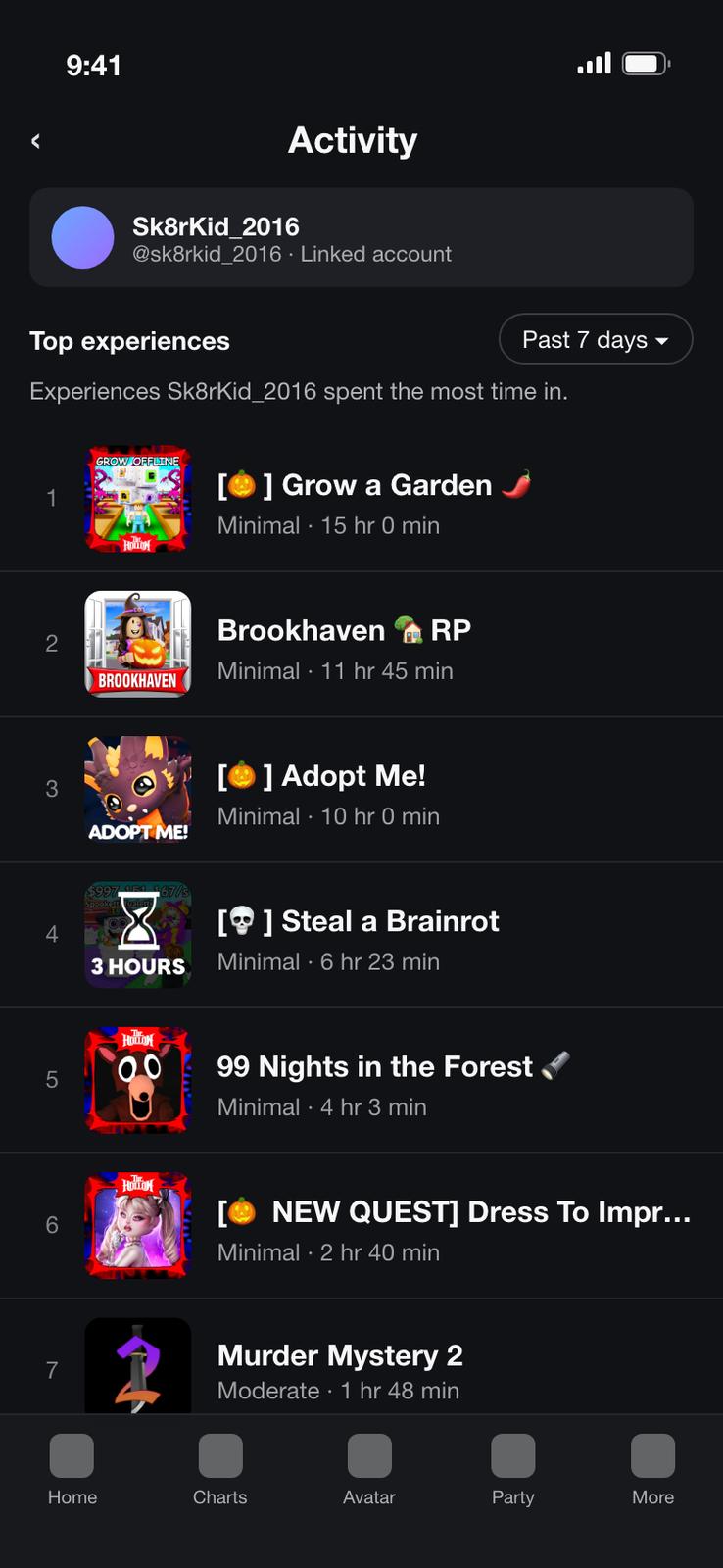
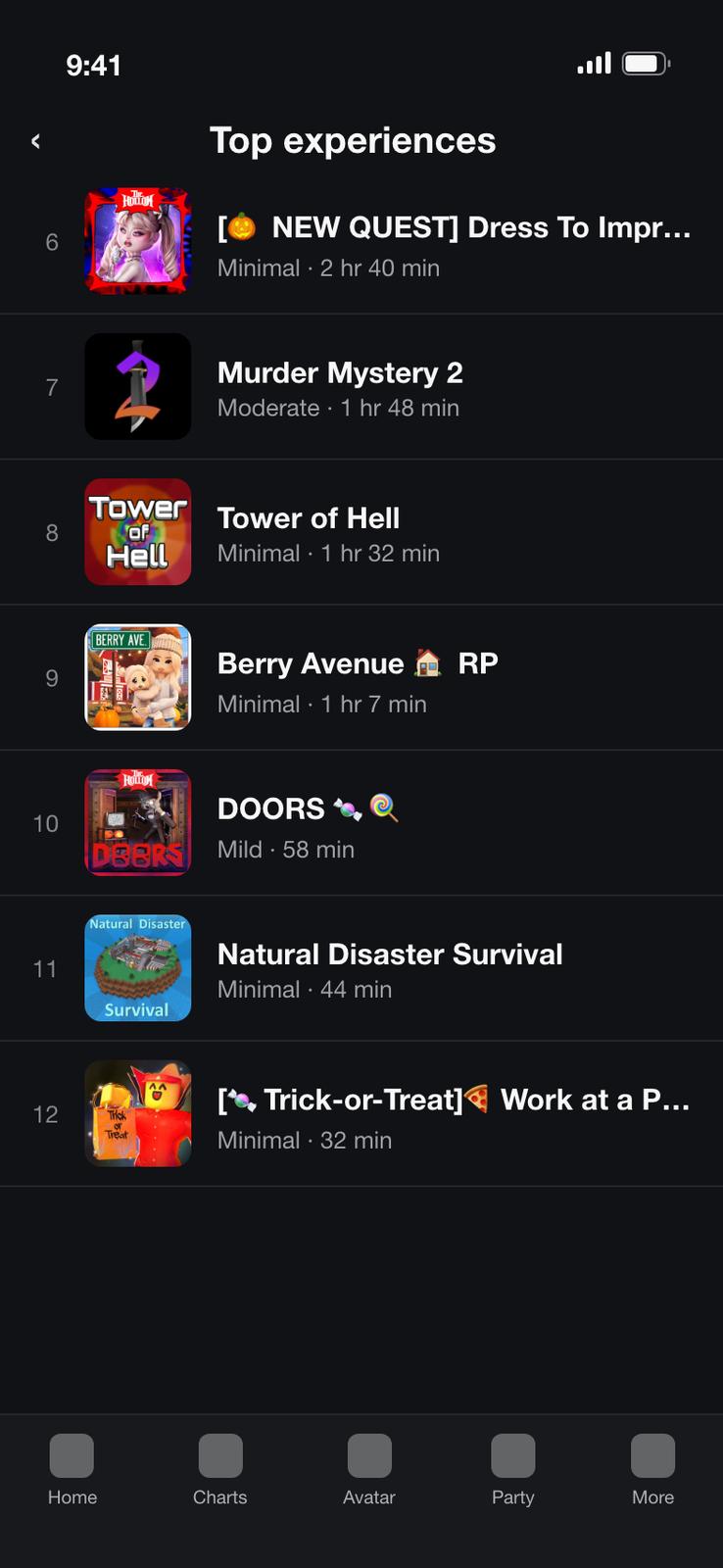
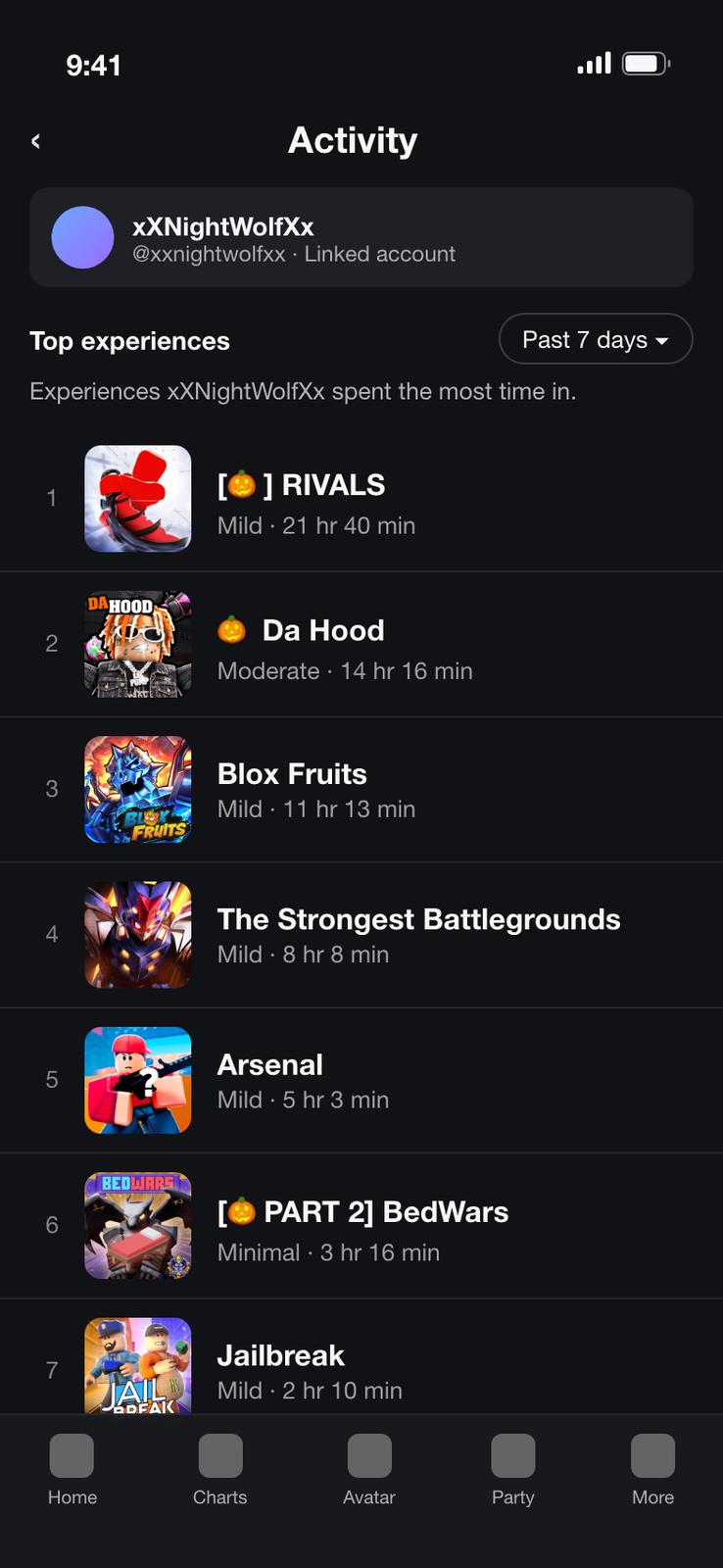
- You'll see their top 20 games from the last week, how long they played, and each game's rating.
- Take a screenshot and share it with Boundly.
“Settings” means: on a computer, the gear at the top right; in the Roblox app, tap More (bottom right), then Settings. On the web you can go straight to Roblox Parental Controls — sign in with your parent account, not your kid's. If you land on Account Info, tap Parental Controls in the menu.
How do I block a game in Roblox?+
- Go to Settings → Parental Controls and tap your kid's name.
- Scroll down to Settings you manage and tap Content restrictions.
- Tap Blocked games (may say Blocked experiences).
- Tap + and type the game's name.
- Tap Block, then Block again to confirm.
- If they're playing it right now, the block starts the next time they open it.
Boundly's block queue walks you through this for every flagged game, one at a time.
Can I just take a photo of the screen?+
Yes. Boundly only needs to read the game names, so a photo of a laptop, tablet, or TV works as long as the names are readable. If a photo is blurry, too dark, or has glare, the app will ask you to retake it rather than guess.
What gets sent to Boundly?+
The screenshots you pick (cropped and stripped of location data on your phone), plus your kid's age band, the concerns you selected, and your strictness setting. Your kid's nickname and your notes stay on your phone. Images are read to find game names and deleted immediately — never stored. We ignore any usernames or personal details visible in images. Full details in our Privacy Policy.
Do you need my kid's Roblox password?+
Never. Boundly never asks for your password or your kid's. You do the blocking yourself, in your own Roblox parent account — Boundly just shows you the way.
Boundly said a game is fine, but I disagree.+
You know your kid best — block it anyway. Then tap Wrong? on that game in the app to tell us. Reports from parents help us improve verdicts for everyone. The same button works if you think a game was flagged too harshly, or if we missed one.
How do I cancel my subscription?+
Subscriptions are managed by Apple. On your iPhone, open Settings → [your name] → Subscriptions → Boundly Pro and tap Cancel. Cancel at least 24 hours before your trial or billing period ends to avoid the next charge. You keep Pro until the end of the period you paid for. For refunds, visit reportaproblem.apple.com.
How do I restore my purchase on a new phone?+
Sign in with the same Apple ID you subscribed with, open Boundly, and tap Restore purchases (on the Pro screen or in Settings). Pro unlocks again — no account needed.
Do I need an account?+
No. There's no sign-up, email, or password. Open the app and start.
Is Boundly made by Roblox?+
No. Boundly is an independent app by Infinite Future, not affiliated with or endorsed by Roblox Corporation. It works alongside Roblox's own Parental Controls.
Sample screenshots for App Review
Reviewing Boundly without a Roblox account? Download these sample Top games screenshots, save them to Photos, and choose them in the app — or tap “No Roblox account? Try with a sample” inside the app.